
This doc will guide the detail way to Design to Print by using Onospod print on demand fulfillment.
1. Add new product
You have 2 ways to create product:
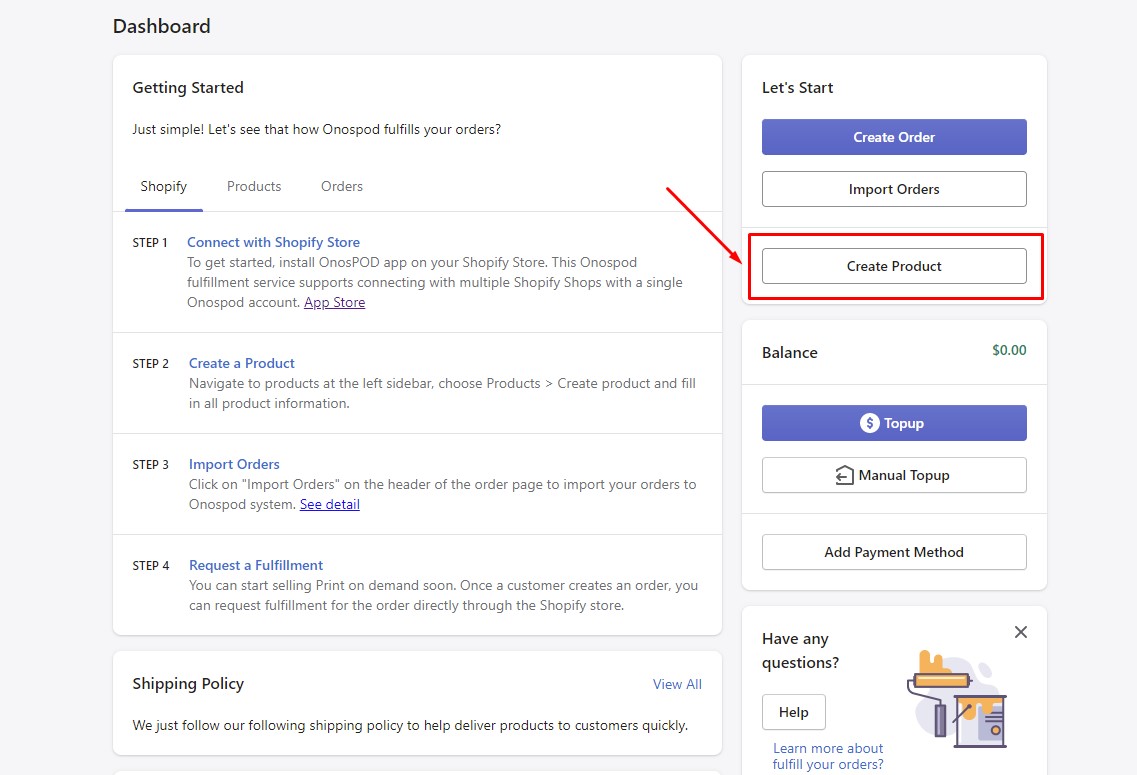
Way 1: On the dashboard > Click at “Create Product”
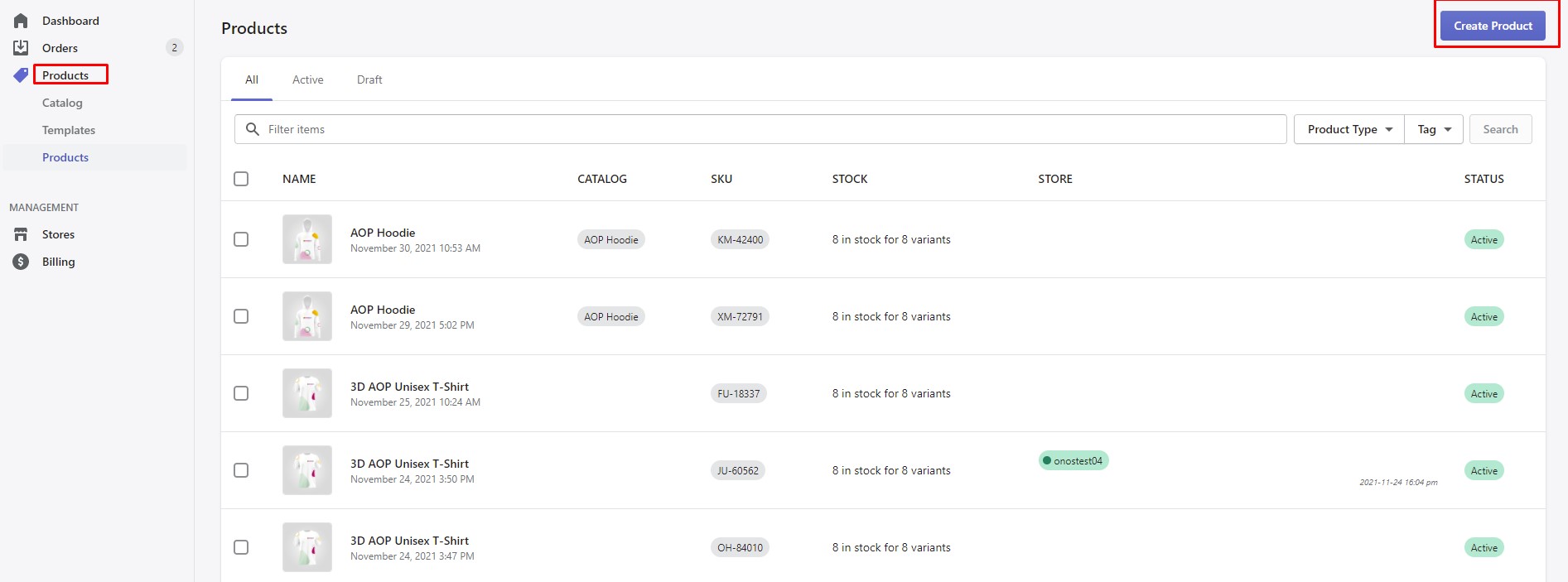
Way 2: Navigate to Products > Create Product
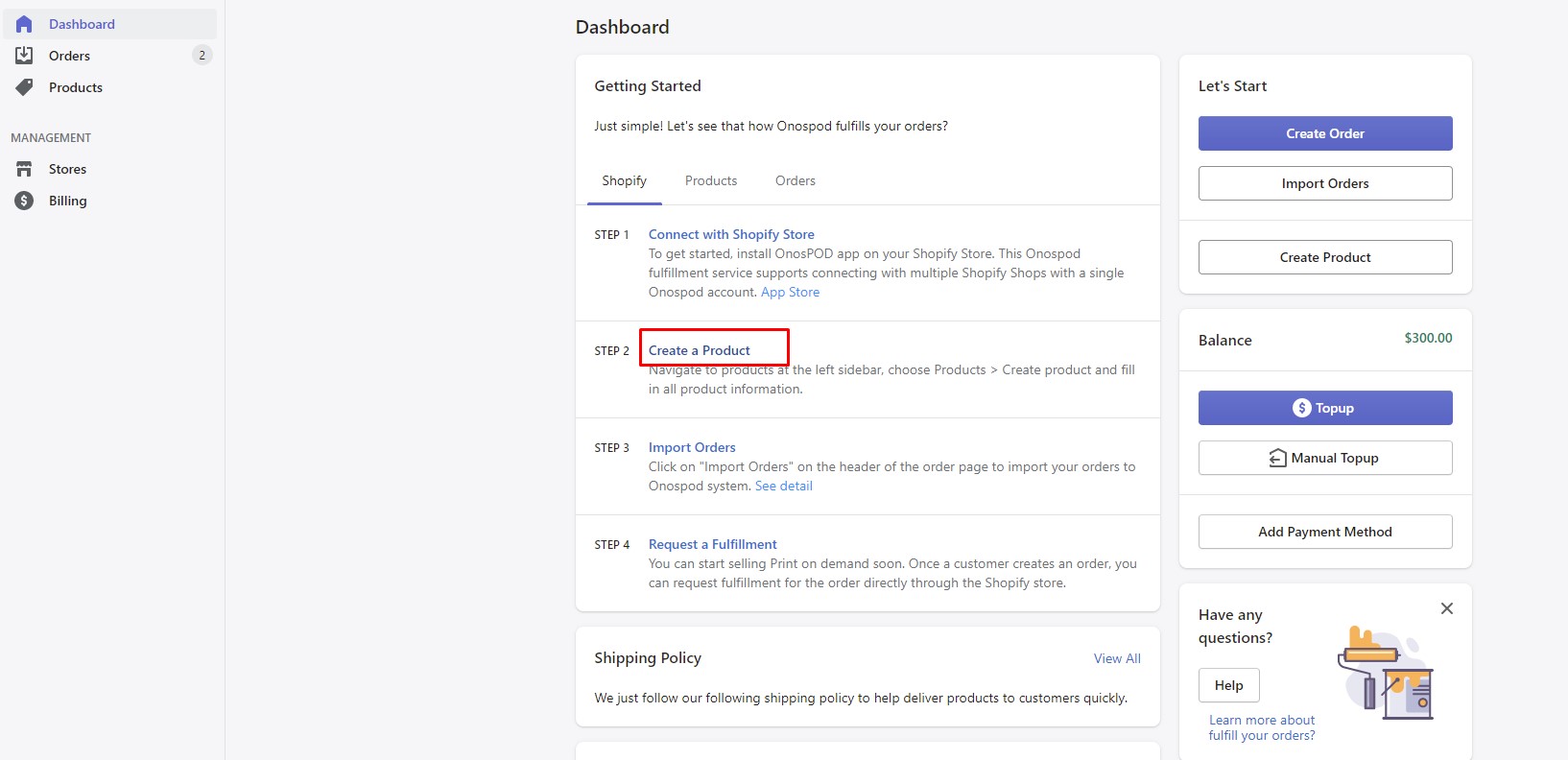
Way 3: Choose “Create Product”
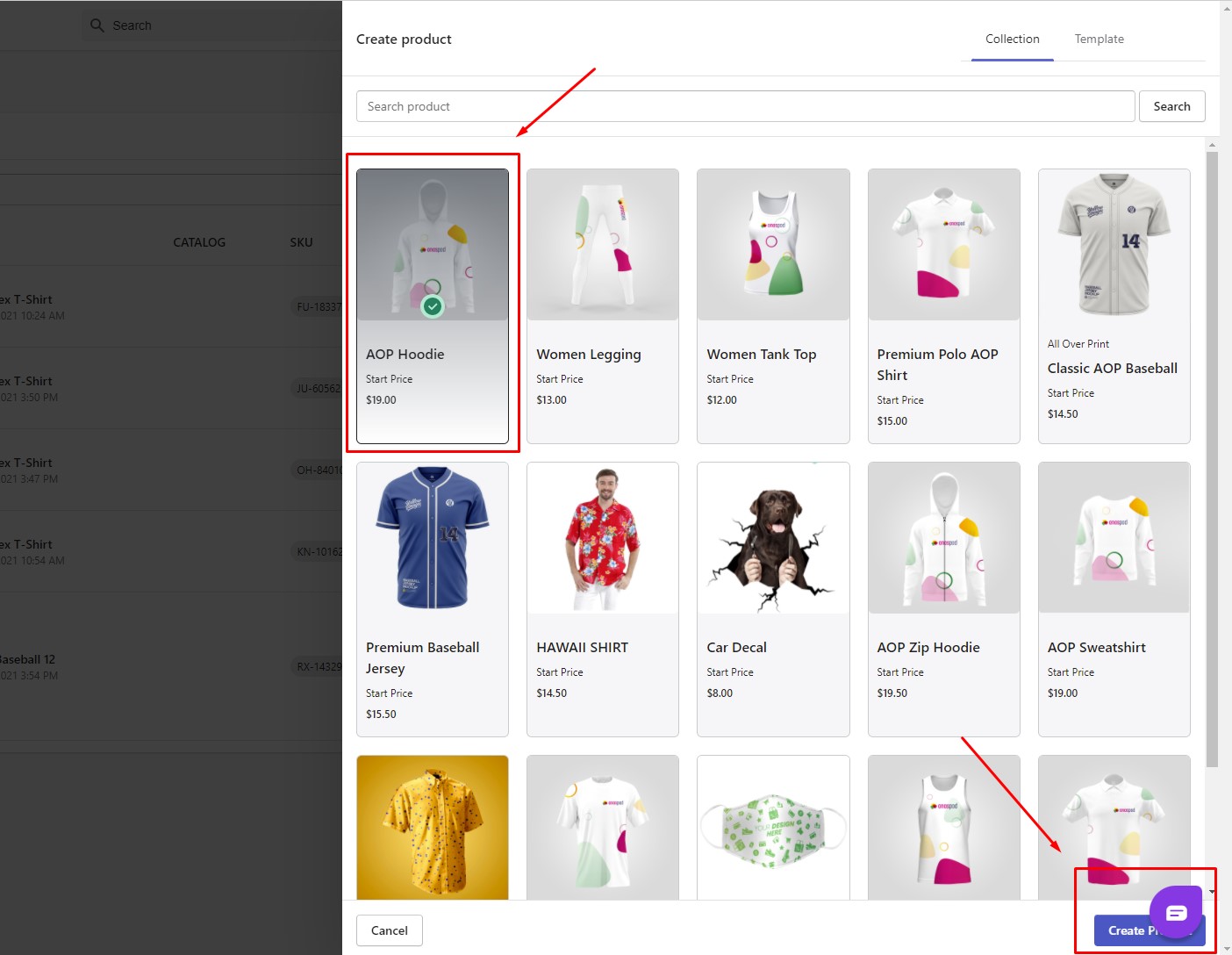
Choose product from catalog:
You can search product or navigate to your need item and create. For example: I will choose AOP Hoodie:
Fill all product information:
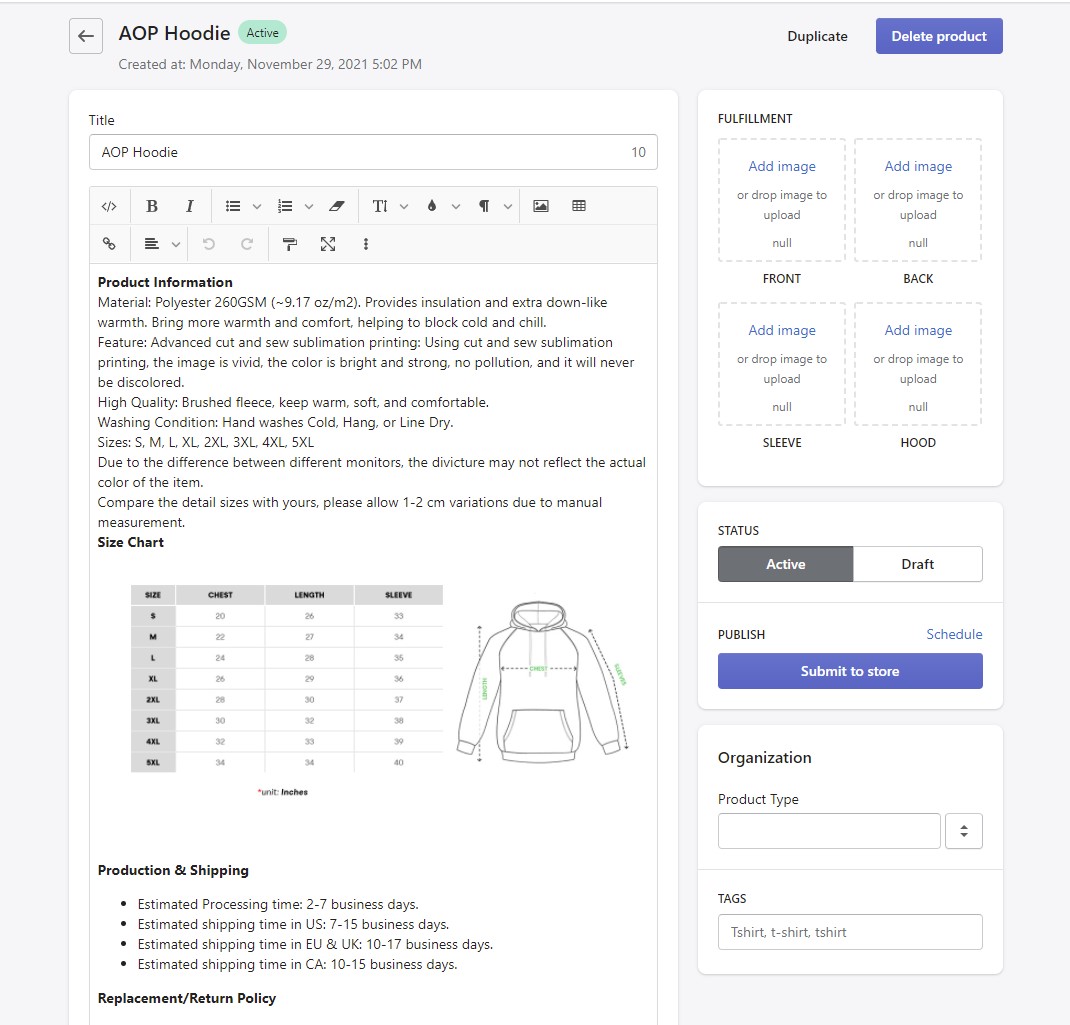
- Title: Name of product
- Description: Content description for product such as Material, Size, Color, Shipping
- Fulfillment: Upload Image for product to print
- Status: Choose Active/Draft
- Publish:
– Choose store you want to submit
– Schedule time to publish
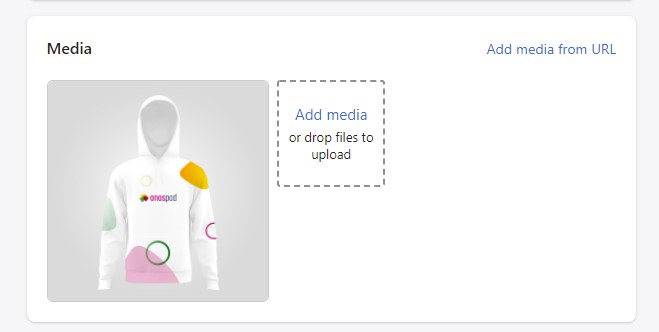
2. Image Media
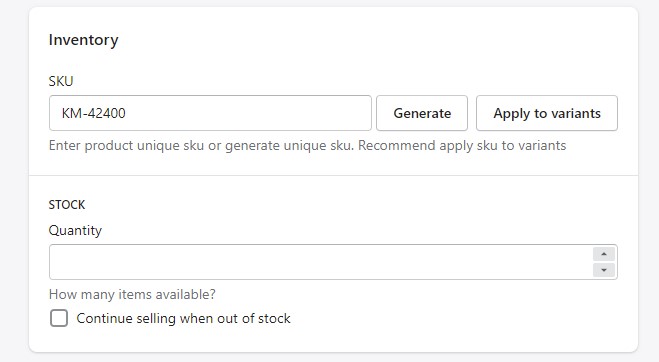
3. Inventory Information:
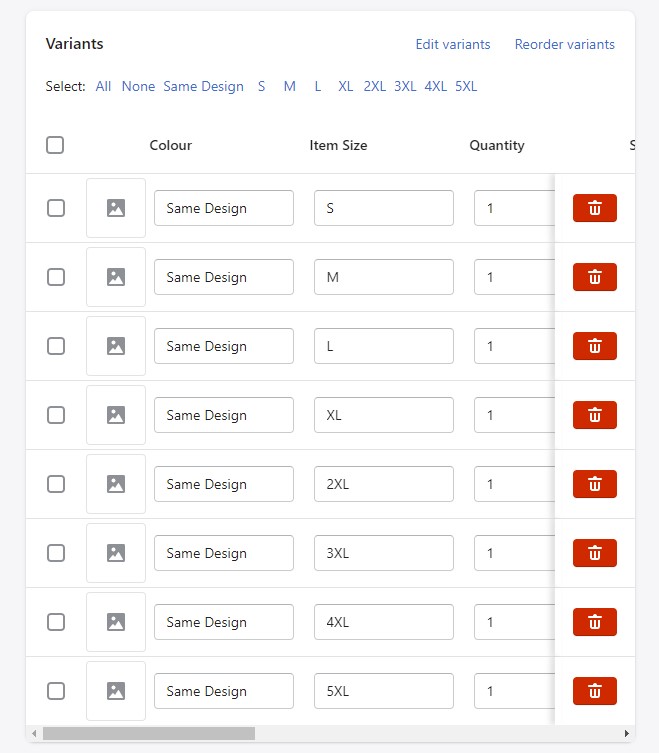
4. Variants:
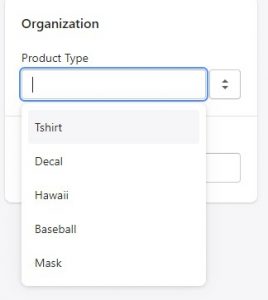
5. Product Type & tags
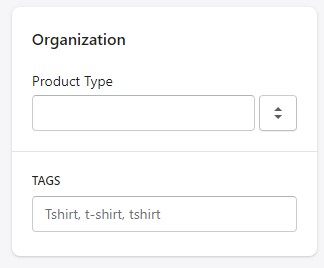
- At product type, you can choose: Tshirt, Decal, Hawaii, Baseball, Mask
- Tags:
This is the end of guide “How to design to print”.